
Client messaging built for pet businesses
Keep every owner in the loop from one inbox. Message clients in the free Walkies Journal app, send one message to everyone, post bulletins they can look back at, and let automatic notifications handle the rest by email, text, WhatsApp or push.

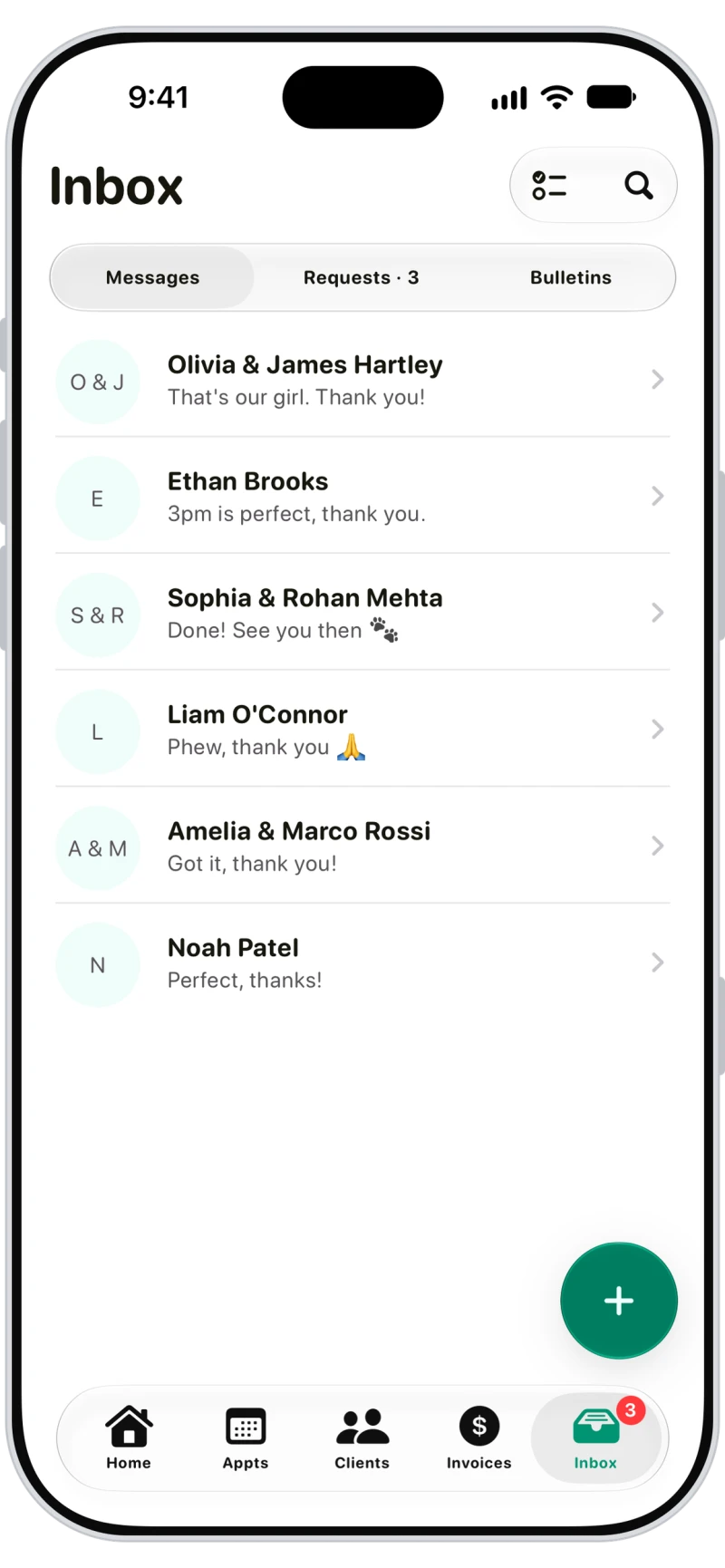
Every conversation in one inbox
Messages from Journal-connected clients arrive in Inbox, with booking requests and bulletins alongside. Both owners in a household see the thread, and replies notify every admin.

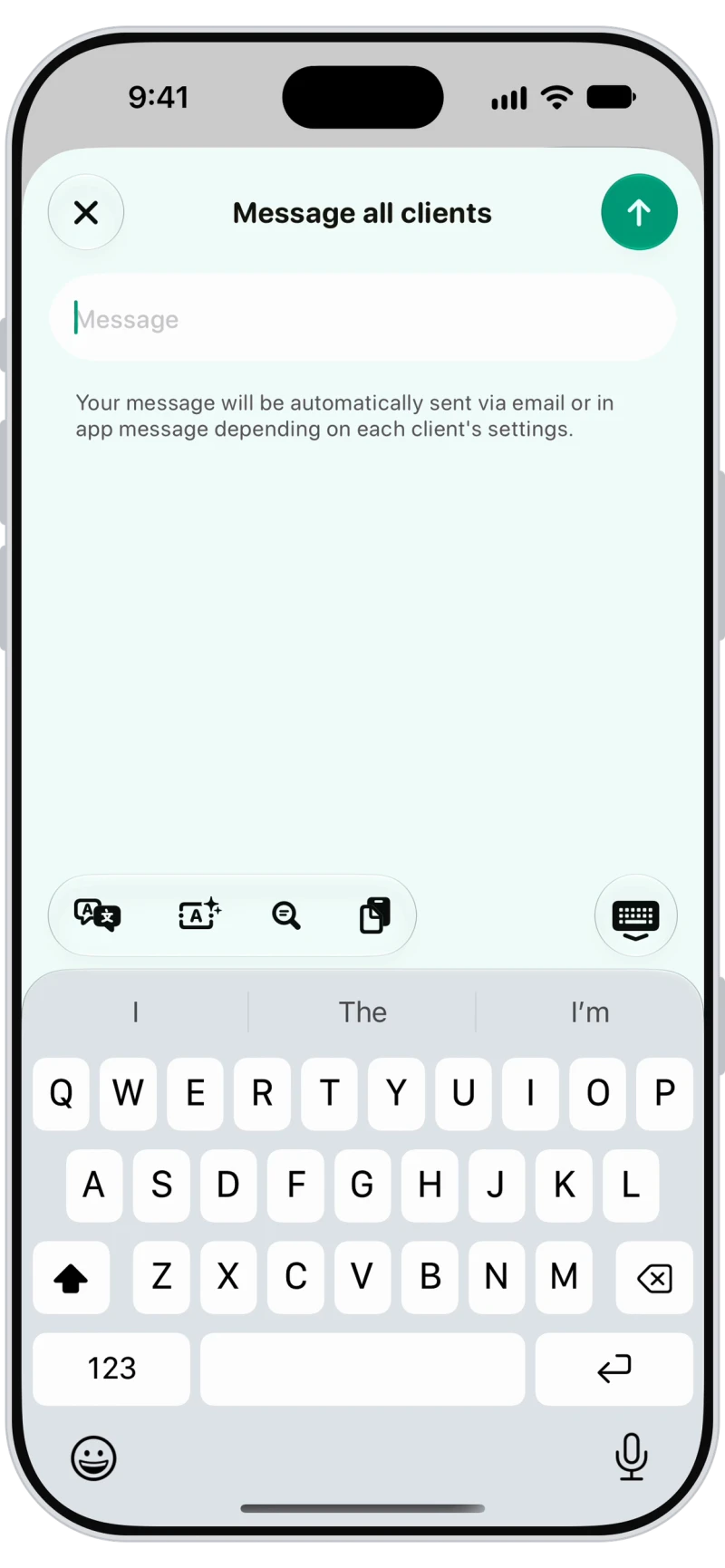
Message all clients at once
Send one message to every client: Journal users get it in the app with a push notification, everyone else by email.

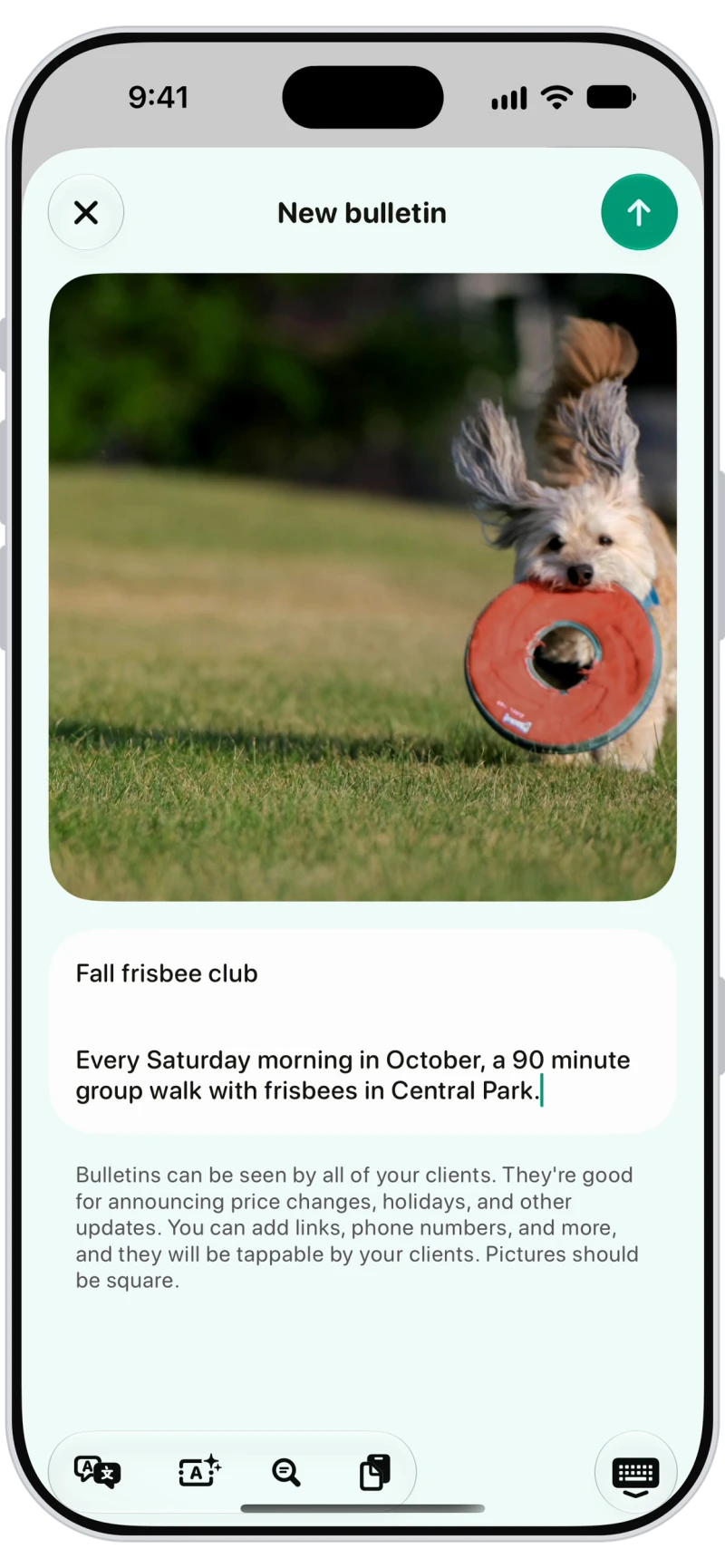
Bulletins with a photo
Post a bulletin for news clients can look back at: holiday hours, a new walker, price changes. It goes out by push and email, and by text or WhatsApp too.
Automatic email, text and WhatsApp updates
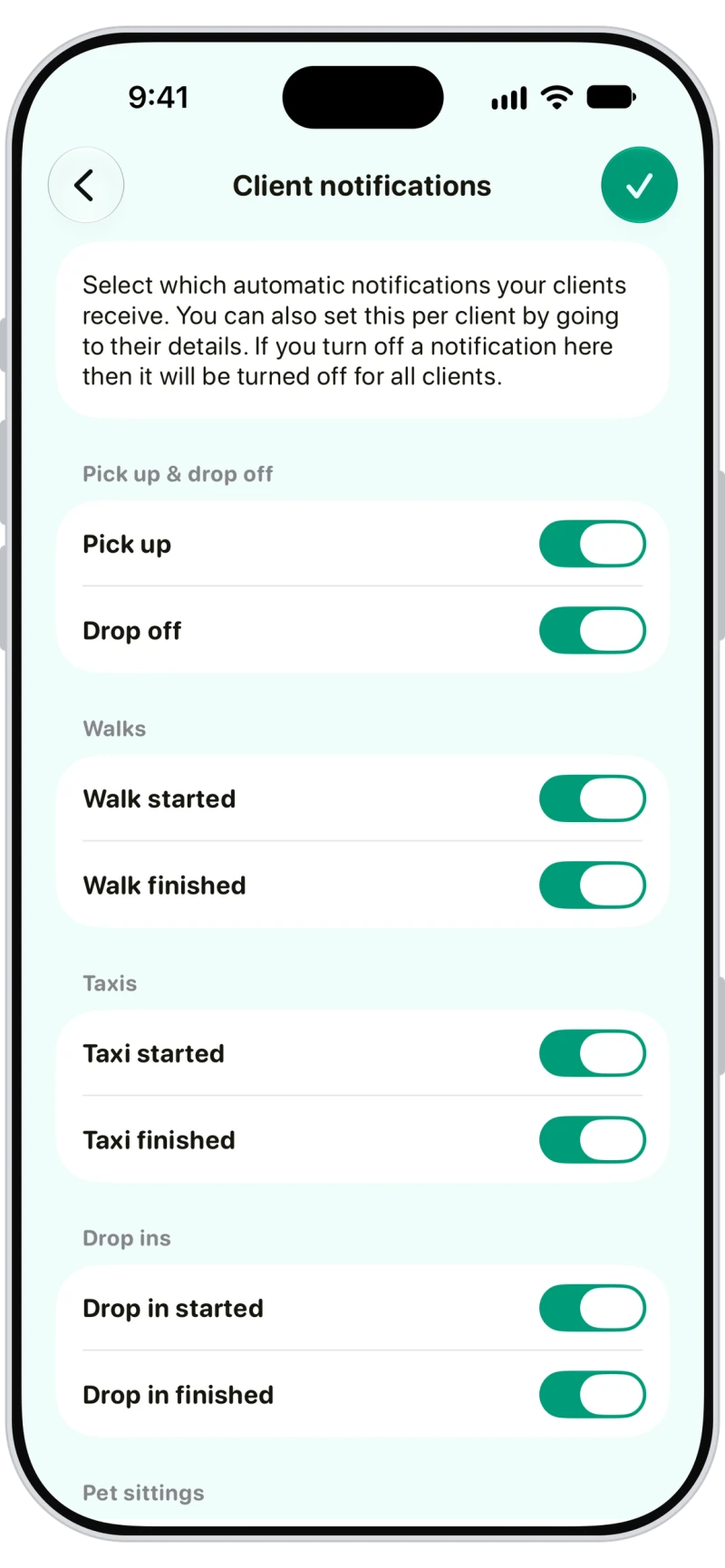
Choose which updates clients get automatically, from walk started to invoice created, then set email, SMS or WhatsApp per owner. With both on, WhatsApp is tried first and text is the fallback.

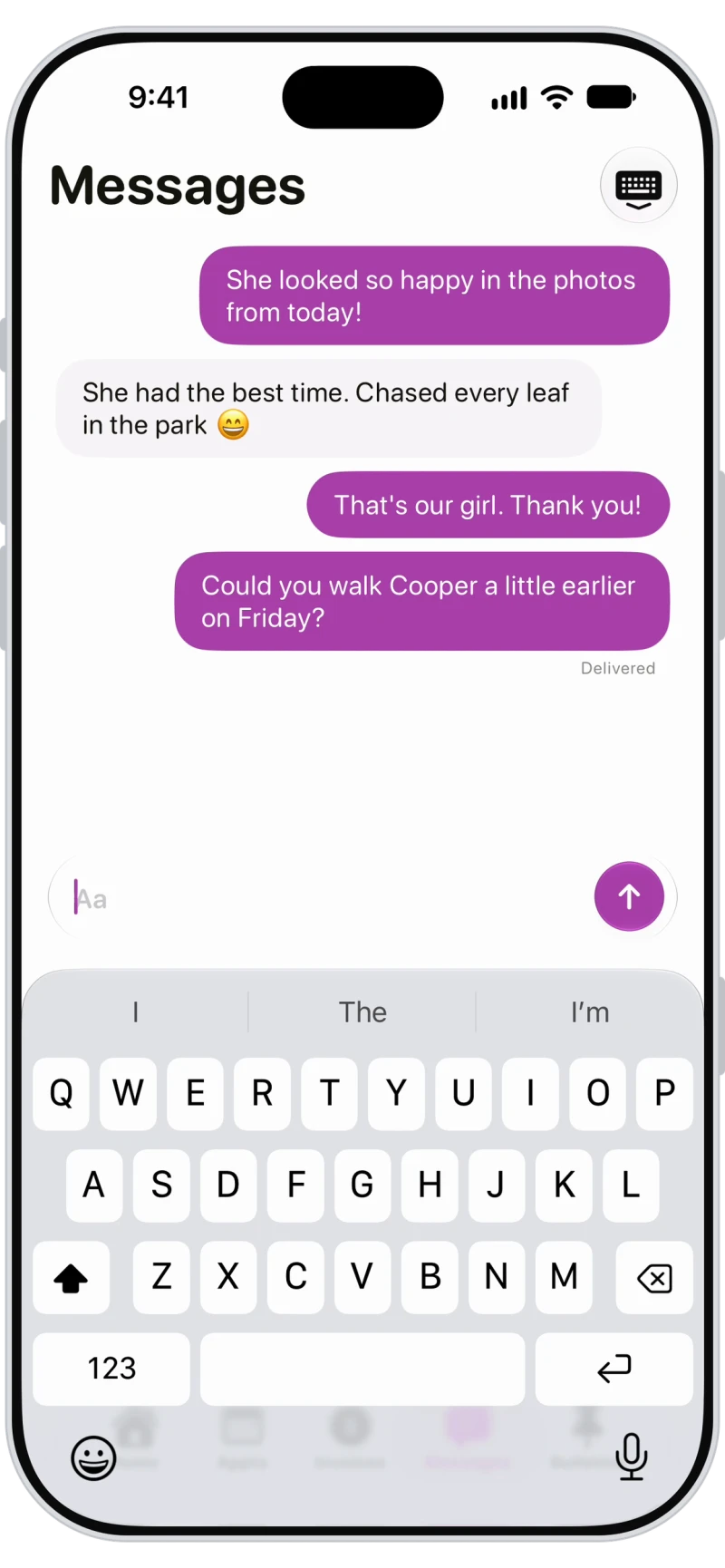
Owners reply from the Journal app
Owners message you from the free Walkies Journal app, and messages show when they've been delivered and read. During a walk or visit, owners can comment on the live feed too.

Frequently asked questions
Yes. Clients connected to the Walkies Journal app can message you and you can reply from Inbox. You can also message every client at once, post bulletins, and send automatic notifications by email, text, WhatsApp and push.
Message all clients goes out in the Journal app or by email, not by text. Bulletins can also go out by text or WhatsApp.
Yes. Turn on SMS or WhatsApp for each owner in the client's notification settings, and Walkies sends their automatic updates there as well as by email and push.
Clients you add by hand start with every channel off, so turn on at least Emails in their notification settings. Clients who join with a link or from your contacts start with email on.
Team members can chat with owners on the live feed of the walks and visits they do, and call, text or WhatsApp them from the appointment.
Learn more in the help centre
- What are the ways to keep my clients in the loop?
- How do I message a client?
- How do I message all my clients at once?
- How do I send a bulletin to all my clients?
- How do I choose which notifications a client gets?
- How do I choose which notifications all my clients get?
- Can I live chat with clients during a walk or visit?